Pins & groups
Keep what you reuse at the top. Name your pins, sort them into groups and drag to reorder.
Everything you copy is one shortcut away. Pin what matters, sort it into groups, and paste it anywhere — privately, on your Mac.
macOS 14 Sonoma or later

Pinclip lives in your menu bar and keeps your clipboard history, pins and snippets a keystroke away.
Keep what you reuse at the top. Name your pins, sort them into groups and drag to reorder.
Type a few letters of what you need — no need to spell it out. Filter by type, app or date.
Screenshots become searchable. The text is read on your Mac; nothing is uploaded.
The date, the clipboard or your own fields like {{name}} are filled in as you paste.
Collect several copies, then paste them one after another with a single shortcut.
⌥⌘V opens Pinclip anywhere. Give your favorite pins and groups their own shortcuts.

Type a few letters and Pinclip finds it — even when you skip letters, and even when the words are inside a screenshot.
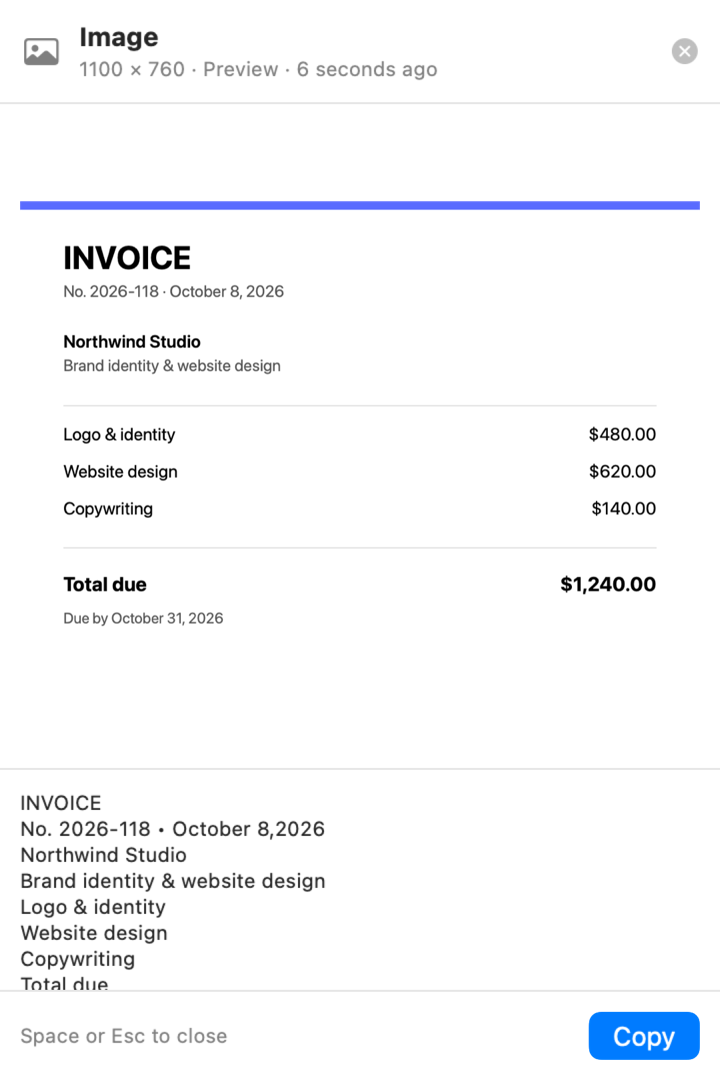
Press Space to preview any item: images, formatted text and files, with the text read right out of images.
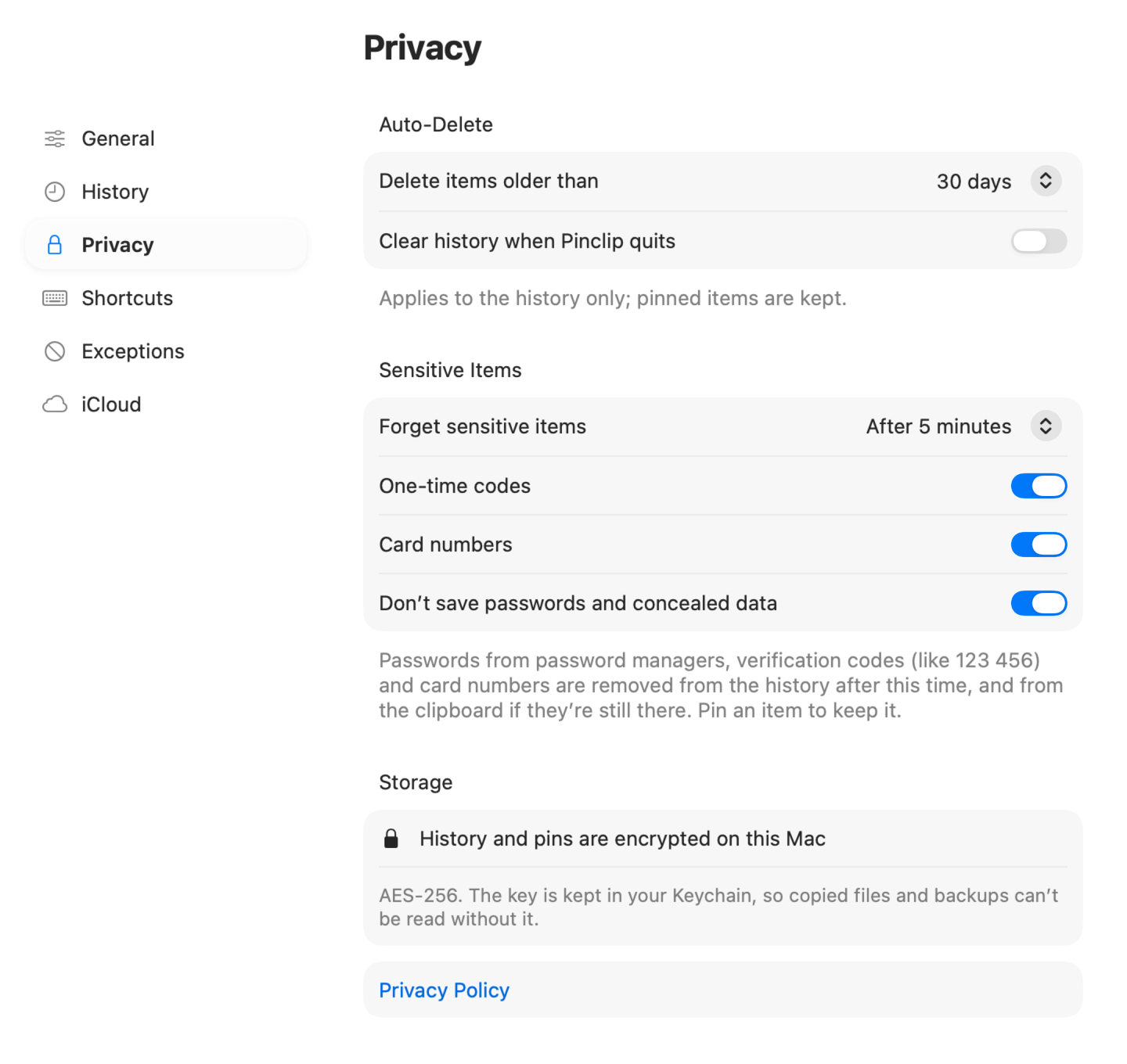
Your clipboard holds passwords, codes and private notes. Pinclip treats it that way.
Pinclip looks and feels like part of your Mac — and works the way you do.
Install Pinclip and press ⌥⌘V in any app. Everything you’ve copied is there — text, links, images and files — newest first, with your pins on top. Type a few letters to find something and press Return to paste it.
No. Your history stays on your Mac, encrypted. With iCloud sync on, only your pins and groups are synced — through your own private iCloud account.
No. Passwords copied from password managers are skipped, API keys and tokens are never saved, and you can exclude any app in Settings.
You choose: from 10 to 1,000 items. You can also delete items older than a set number of days, or clear the history when Pinclip quits. Pinned items are always kept.
Only to paste for you: after you pick an item, Pinclip presses ⌘V in the app you were using. Without it, items are copied and you paste them yourself.
Click the Pinclip icon in the menu bar or press ⌥⌘V anywhere. You can change the shortcut, or hide the menu bar icon, in Settings.
Yes, pins and groups sync through iCloud; you can turn this off in Settings. Your history never leaves the Mac it was copied on.
macOS 14 Sonoma or later. On macOS 26 and later, Pinclip uses Liquid Glass.